PHONE TO UNFOLDED
A little screen.
A whole new view.
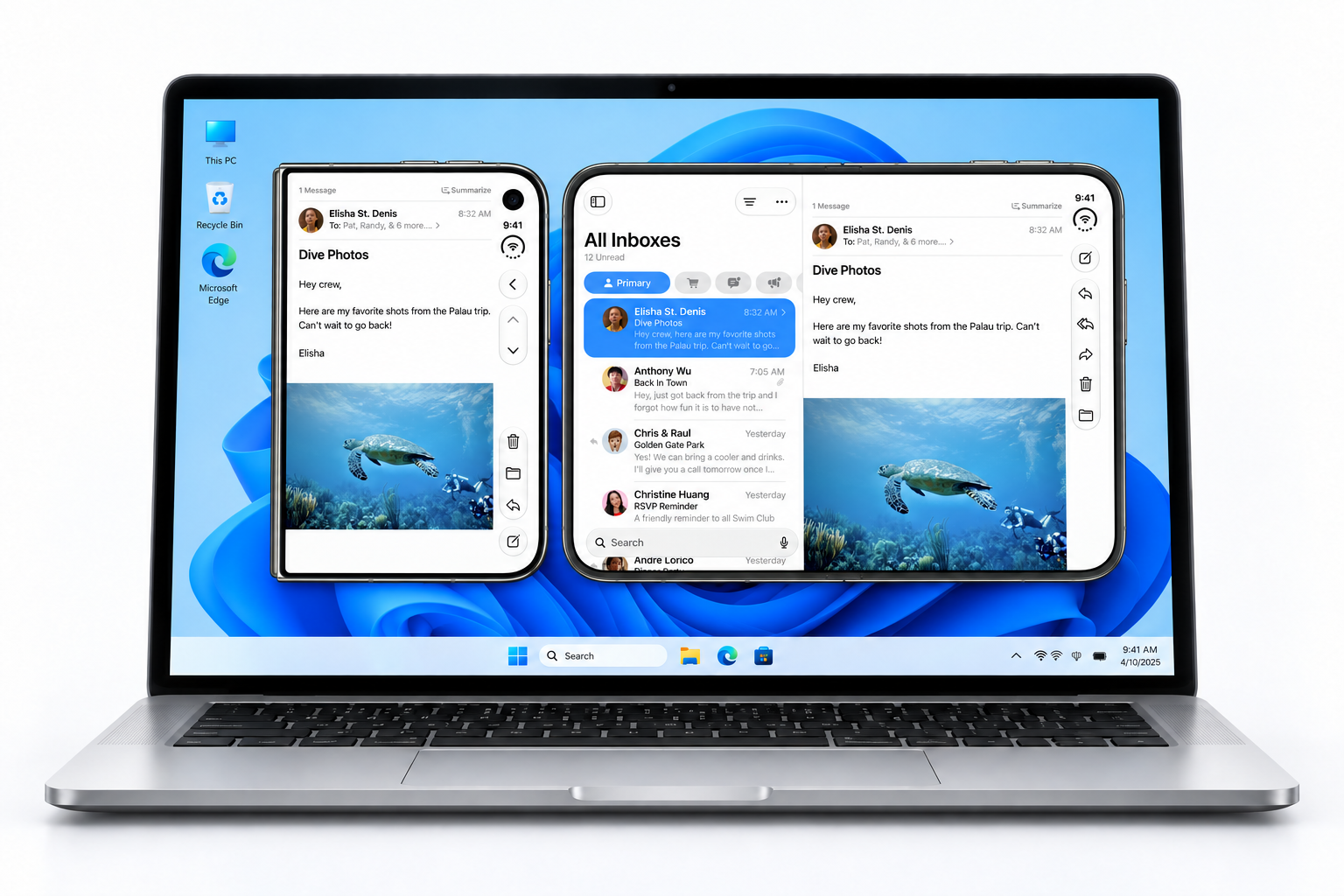
See how a phone-sized layout opens into a wider display. More of the conversation, more of the picture, all in view.
Introducing iPadian Duo Simulator
Explore an iOS 27 experience on your Windows PC.
Pay once. No subscription.
SEE IT BEFORE YOU BUY
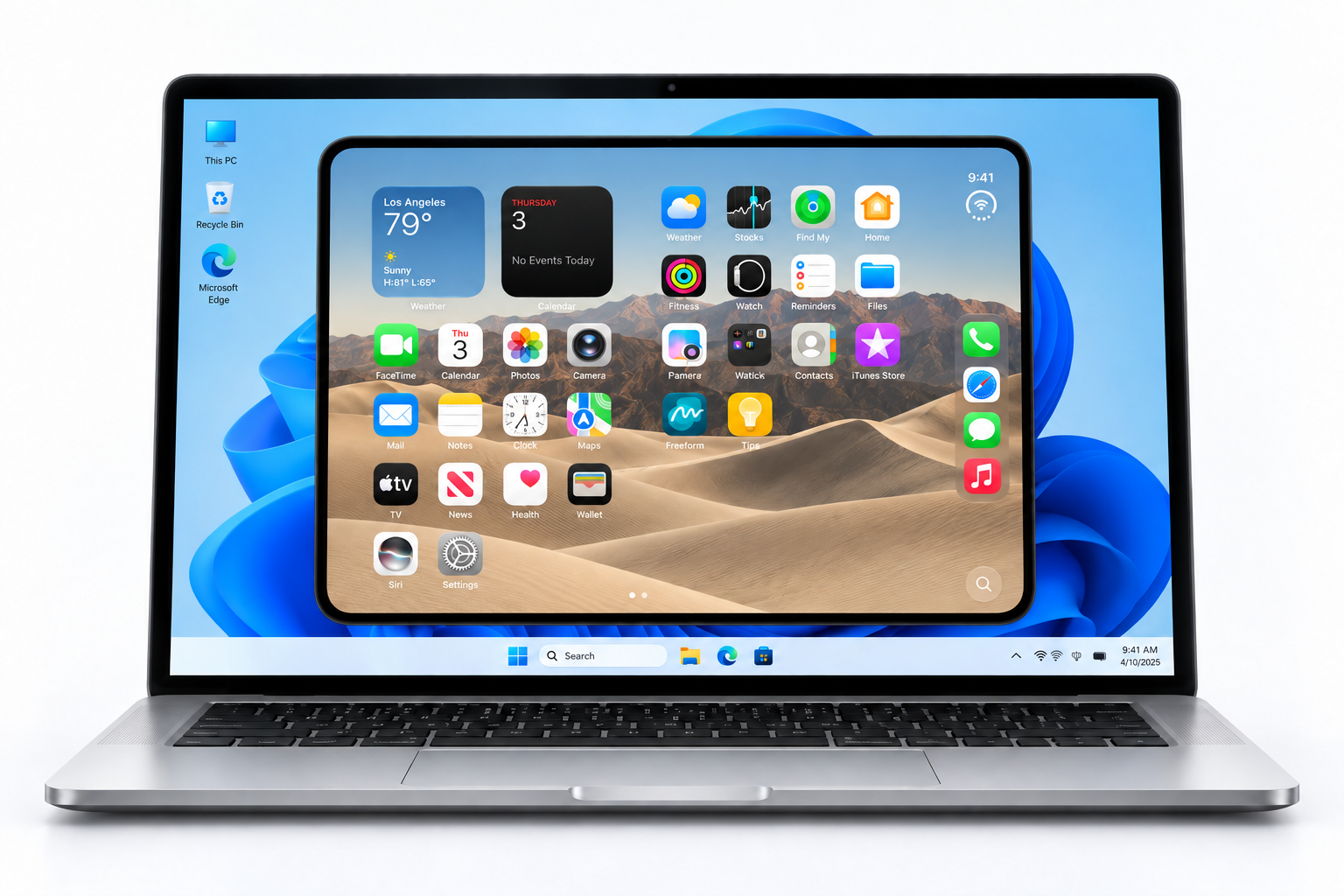
Watch it fold, open your apps, and explore a bigger view—all on your desktop.
MORE TO EXPLORE
Different views. More room. All on your Windows PC.
PHONE TO UNFOLDED
See how a phone-sized layout opens into a wider display. More of the conversation, more of the picture, all in view.
BOOK VIEW
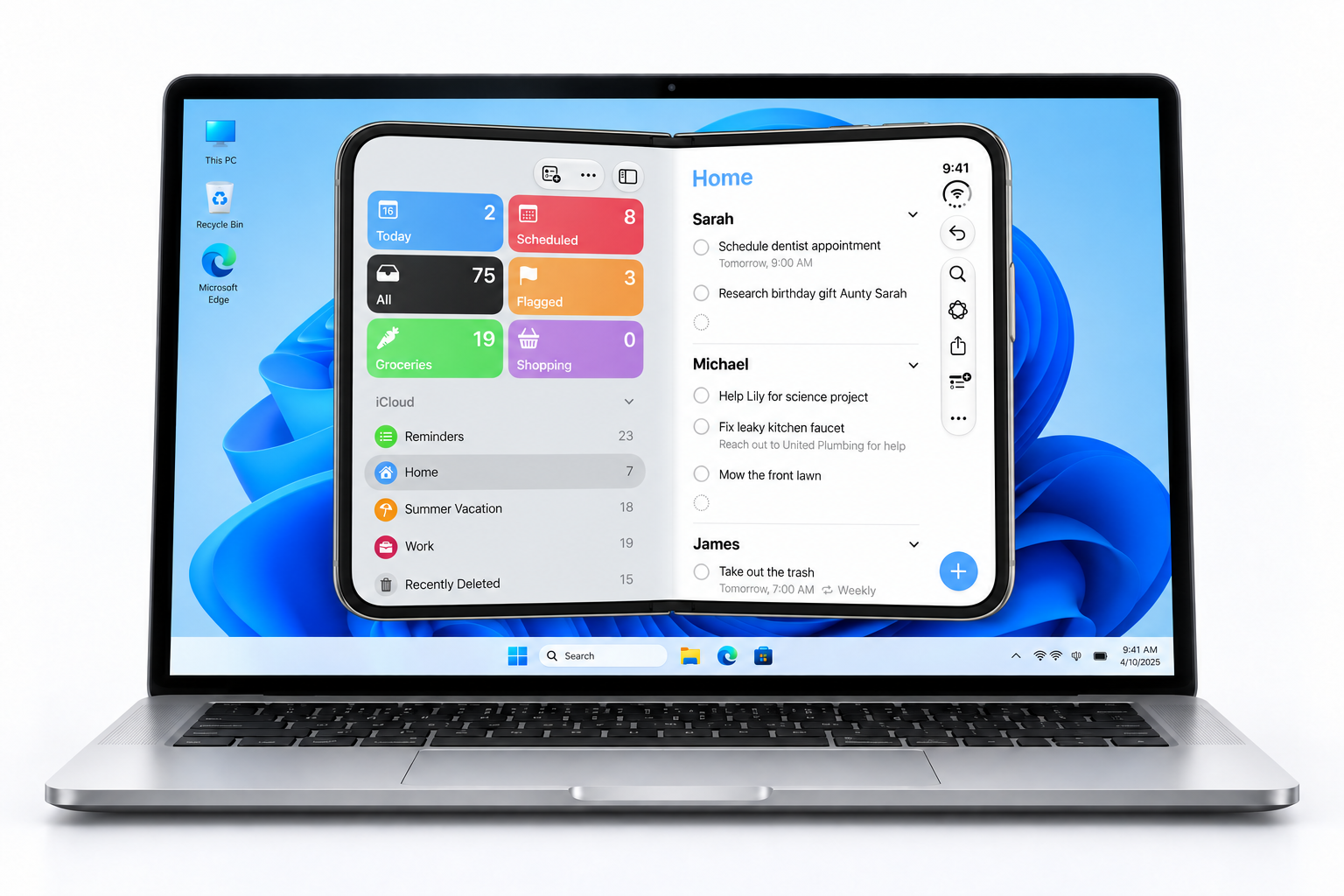
Try a different perspective with the gently folded Book view. Two sides of the display, brought together on your desktop.
ROOM FOR YOUR IDEAS
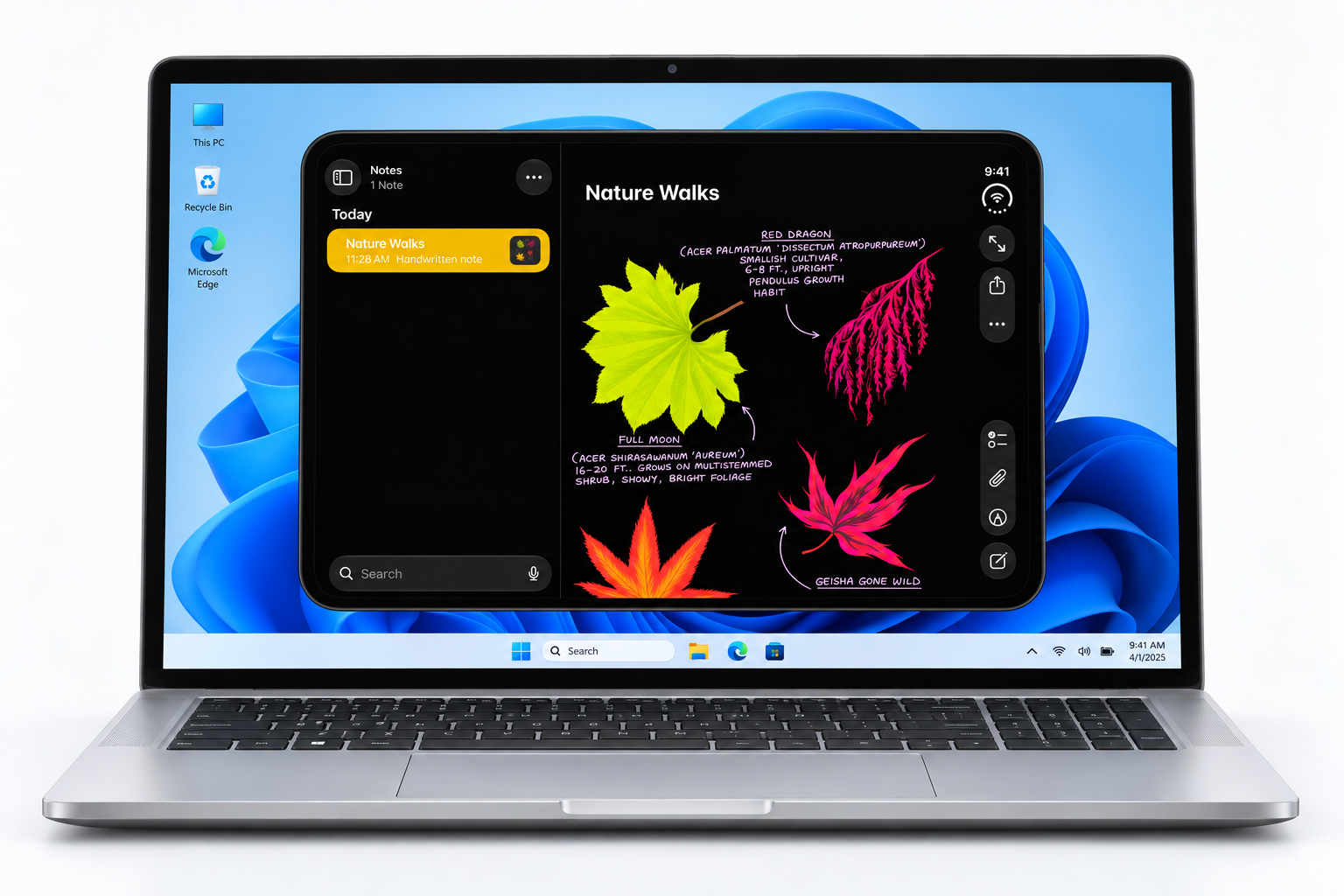
A wide display gives your ideas room to breathe. Explore Notes and see the difference an unfolded view makes.
AND THEN YOU START TAPPING

Open your pictures and flip through them full screen.

Write down a thought before you forget it.

Put something on while you play around.

Keep changing things. That’s half the fun.
SOMETHING FUN FOR YOUR DESKTOP
Get the foldable simulator for your Windows PC, with built-in apps, a customizable Lock Screen, and support for upcoming Duo updates. Yours to explore, with no monthly subscription.
$9.99 USD · ONE TIME
Pay once. No subscription. Final total shown at Paddle checkout.The original iPad experience for your Windows desktop.
THE IPADIAN STORY
Explore the publications and offers that introduced readers to iPadian Classic.
Historical coverage and offers for iPadian Classic, not reviews of Duo.An iOS 27 simulator inside Duo, with phone, exterior, and unfolded views. Explore built-in apps, personalize your Lock Screen, switch between three finishes, and try Camera, Control Center, and notifications. The Apple Pay simulation lets you practice the steps without making a payment.
Yes. iPadian Duo is $9.99 USD as a one-time purchase, with no subscription. Paddle handles checkout and shows your final total before you pay.
Yes. We’ll keep improving the Duo simulator, with support for upcoming updates. If you need a hand with an update, contact customer services or email help@ipadian.net.
No. Explore Duo on your computer using a mouse or trackpad, including swiping to unlock and moving between Home Screens. To take photos, allow Duo to use your computer’s connected camera.
Duo includes apps made for iPadian. It recreates the look and selected interactions of an iOS device; it does not install iOS, run native iPhone apps, or connect to Apple’s App Store.
Yes. Choose Classic for the original iPad Windows experience at $20. Choose Duo for the new foldable experience at $9.99. Both are one-time purchases.
If you are not satisfied with Duo or Classic, request a full refund within 30 days of purchase. Email help@ipadian.net with your order number and purchase email. No technical issue or troubleshooting is required. See our 30-day refund policy.
Visit our guide to get started, or contact customer services for purchase help. You can also email help@ipadian.net with your order number. Our refund policy is available before you buy.
READY TO TRY IT YOURSELF?
The fold, the iOS 27 simulator, and support for upcoming updates. All on your computer. $9.99, once.