
Buka Instagram dalam iPadian
Cari Instagram di Kedai iPadian, tambahkannya pada Skrin Utama dan ikuti pelancaran pertama hingga skrin alu-aluan Instagram. Lihat cara membukanya semula dan bertukar ke paparan Duo.
Dirakam pada Mac. Ketersediaan aplikasi berbeza mengikut komputer. Sesetengah aplikasi memerlukan akaun sendiri.
Transkrip (bahasa Inggeris)
To open Instagram in iPadian, start with the blue App Store icon in the dock.
Type Instagram into the search box.
Look for the Social app with the camera icon.
Click Get next to Instagram.
That adds its icon to your Home Screen.
When the button changes to Open, click it.
On the first launch, iPadian may ask you to install its app player.
Review the software license, then choose Install to continue.
On Instagram’s welcome screen, choose I already have a profile to sign in, or Get started to create an account.
Click Tools, then Home.
Next time, open Instagram directly from this icon.
With Instagram open, click Open in the left toolbar.
Instagram now appears in the unfolded Duo view.
Teruskan meneroka
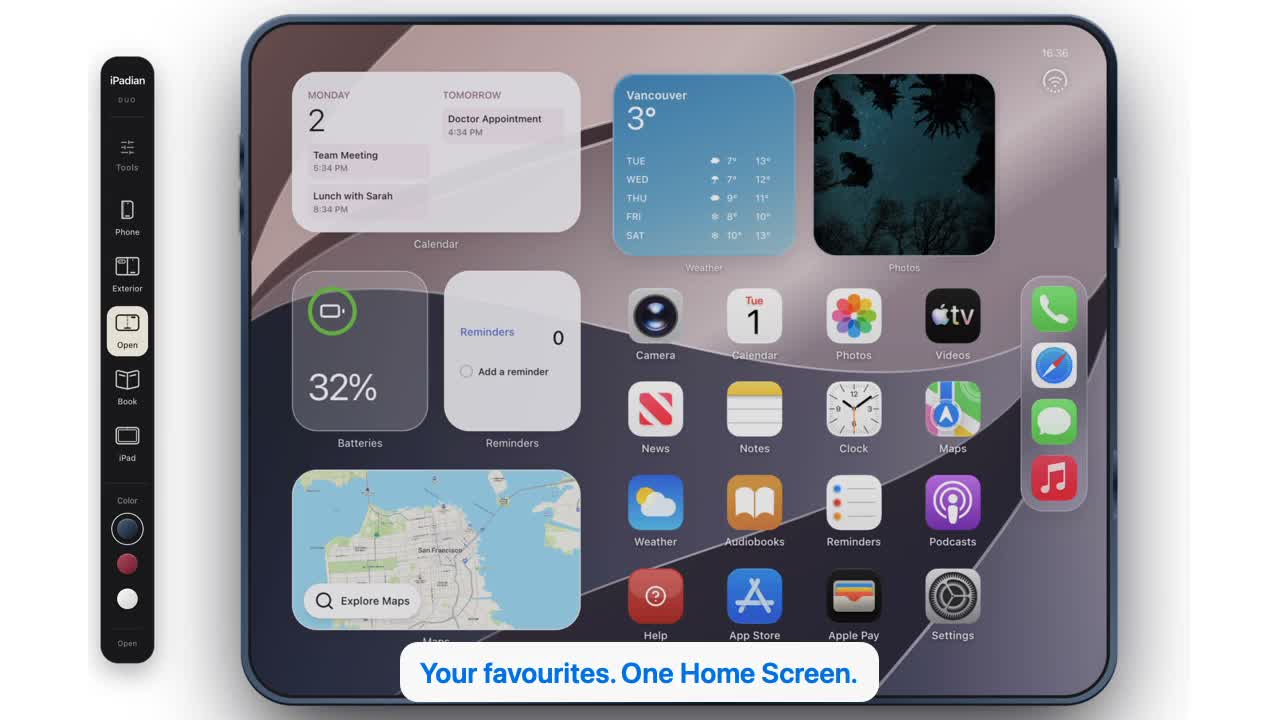 32 saat
Lihat iPadian beraksi.
Lihat aplikasi desktop: terokai Kedai, pasang permainan dan cuba paparan telefon, Duo dan iPad. Narasi bahasa Inggeris dengan sari kata dalam empat bahasa.
Tonton video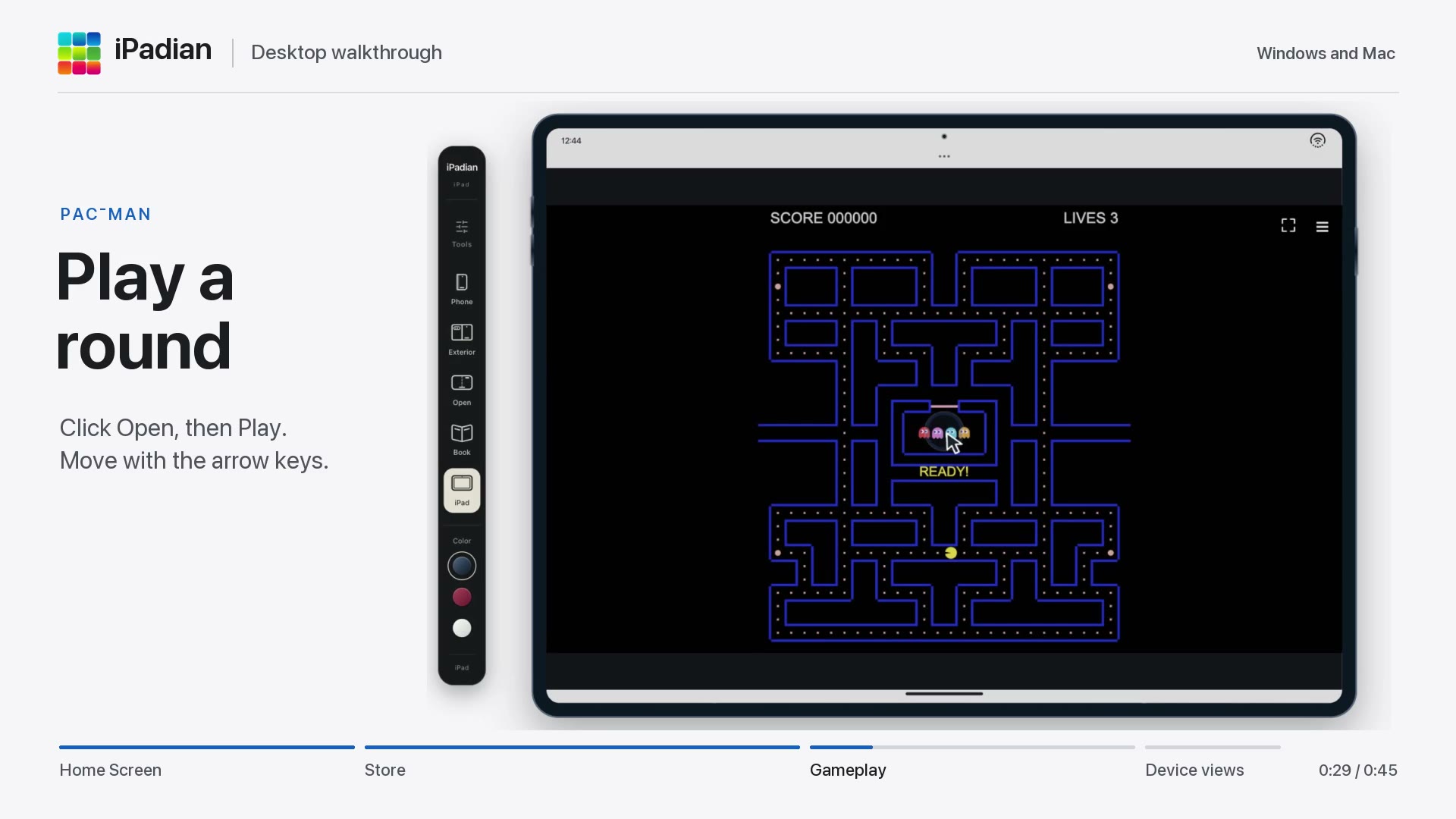 45 saat
Mula menggunakan iPadian
Buka Kedai iPadian, cari Pac-Man, tambahkannya pada Skrin Utama dan mula bermain. Kemudian, tukar antara paparan telefon dan iPad.
Tonton video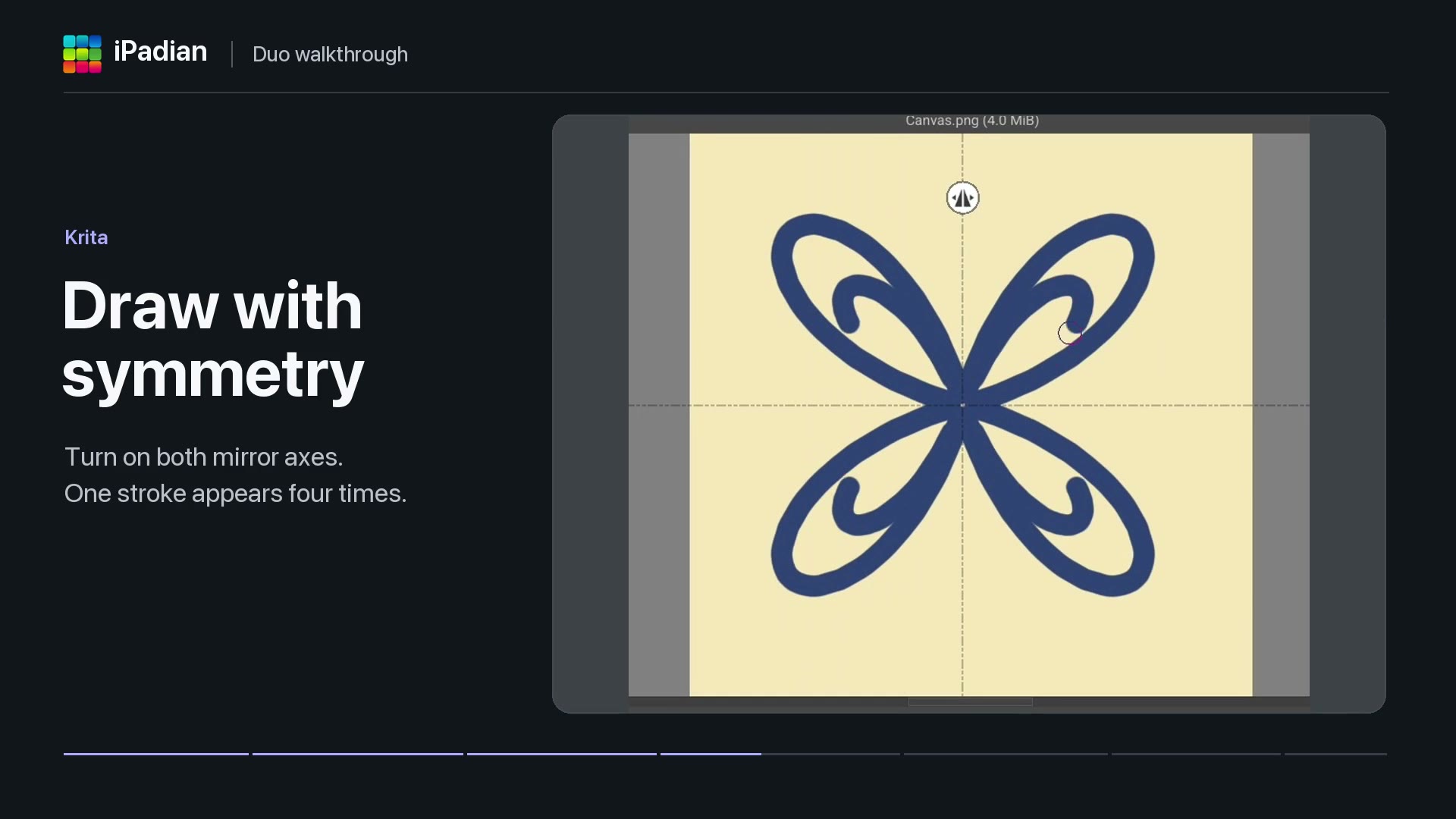 40 saat
Aplikasi dalam iPadian Duo
Lihat Solar Smash dimainkan, lukis dengan simetri dalam Krita dan lihat Photoroom membuang latar belakang foto. Video ini turut membuka Moises hingga skrin log masuk dalam Duo.
Tonton video