
Apps inside iPadian Duo
Watch Solar Smash in action, draw with symmetry in Krita and see Photoroom remove a photo’s background. The showcase also opens Moises to its sign-in screen in Duo.
App availability varies by computer. Some apps require their own account.
Transcript (English)
Drop a black hole on a planet.
This is Solar Smash running inside iPadian Duo.
To try an app, open the iPadian Store,
search for its name,
choose Get to install it, then Open to launch it.
In Solar Smash, choose a black hole and tap the globe.
Watch the surface change where it lands.
In Krita, switch on horizontal and vertical mirroring.
Draw one loop, and all four sides of the canvas change together.
In Photoroom, pick a photo.
Here the tabletop disappears,
leaving the cup, spoon, and saucer together.
Moises opens in Duo too.
Sign in to continue to its music tools.
Find your next app in the iPadian Store.
Keep exploring
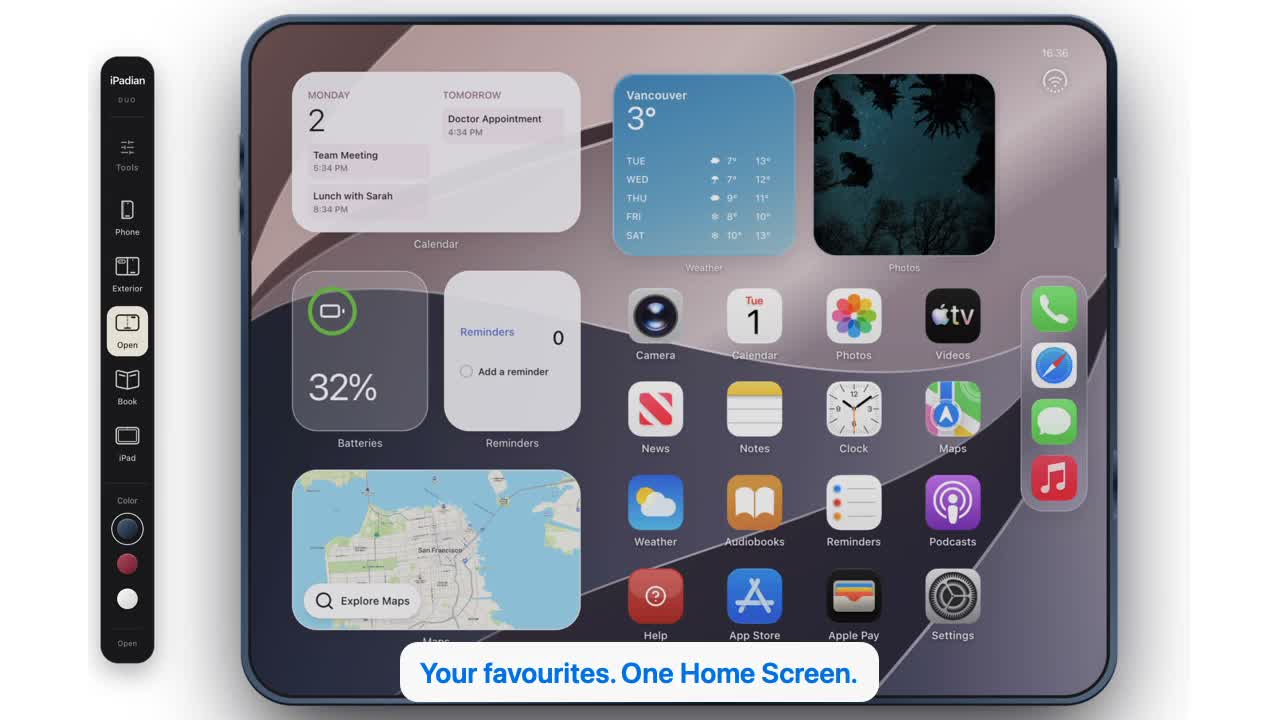 32 seconds
Watch iPadian in action.
A fresh look inside the desktop app: discover the Store, install a game, and explore phone, Duo and iPad views. English narration with captions in four languages.
Watch video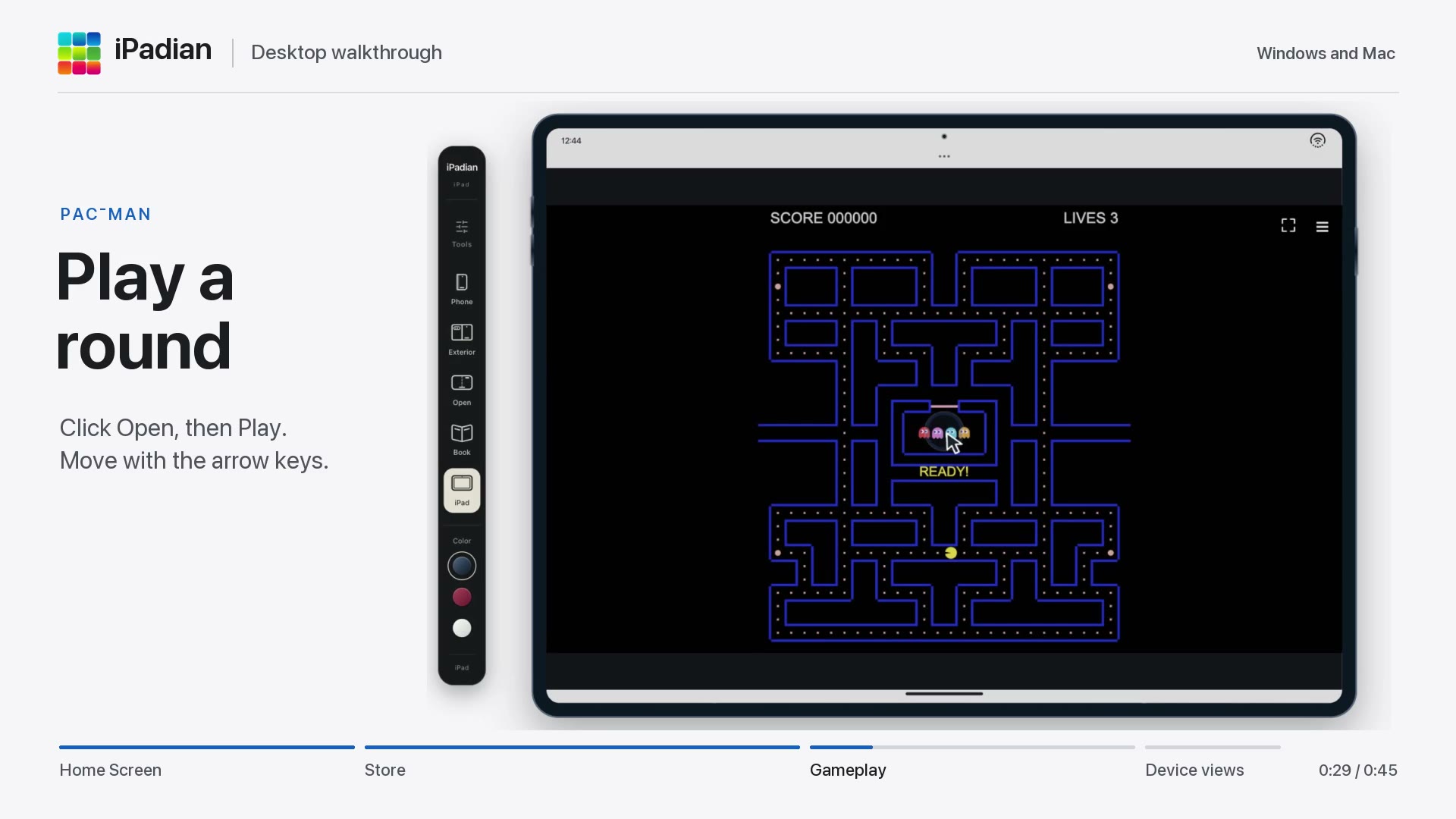 45 seconds
Getting started with iPadian
Open the iPadian Store, find Pac-Man, add it to your Home Screen and play. Then switch between phone and iPad views in this desktop walkthrough.
Watch video 45 seconds
Open Instagram in iPadian
Find Instagram in the iPadian Store, add it to your Home Screen and follow the first launch through to Instagram’s welcome screen. See how to reopen it and switch to Duo view.
Watch video