
Primeros pasos con iPadian
Abre la tienda de iPadian, busca Pac-Man, añádelo a la pantalla de inicio y juega. Después, cambia entre las vistas de teléfono y iPad.
La disponibilidad de las apps varía según el equipo. Algunas requieren una cuenta propia.
Transcripción (inglés)
This is iPadian, an iPad-style simulator for Windows and Mac.
Let's find a game and add it to the Home Screen.
If you see the lock screen, click Tools on the left, then Unlock.
In iPad view, click the blue App Store icon in the dock.
This opens iPadian’s own catalog of compatible apps and games.
Click the search box and type Pac-Man.
Click Get beside the game.
When the button changes to Open, Pac-Man is on your Home Screen.
Click Open, then choose Play.
Use the arrow keys to move Pac-Man through the maze.
To leave the game, click Tools, then Home.
Your new Pac-Man icon is here for next time.
Click Phone for a narrow layout.
Choose iPad to return to the larger Home Screen.
Sigue explorando
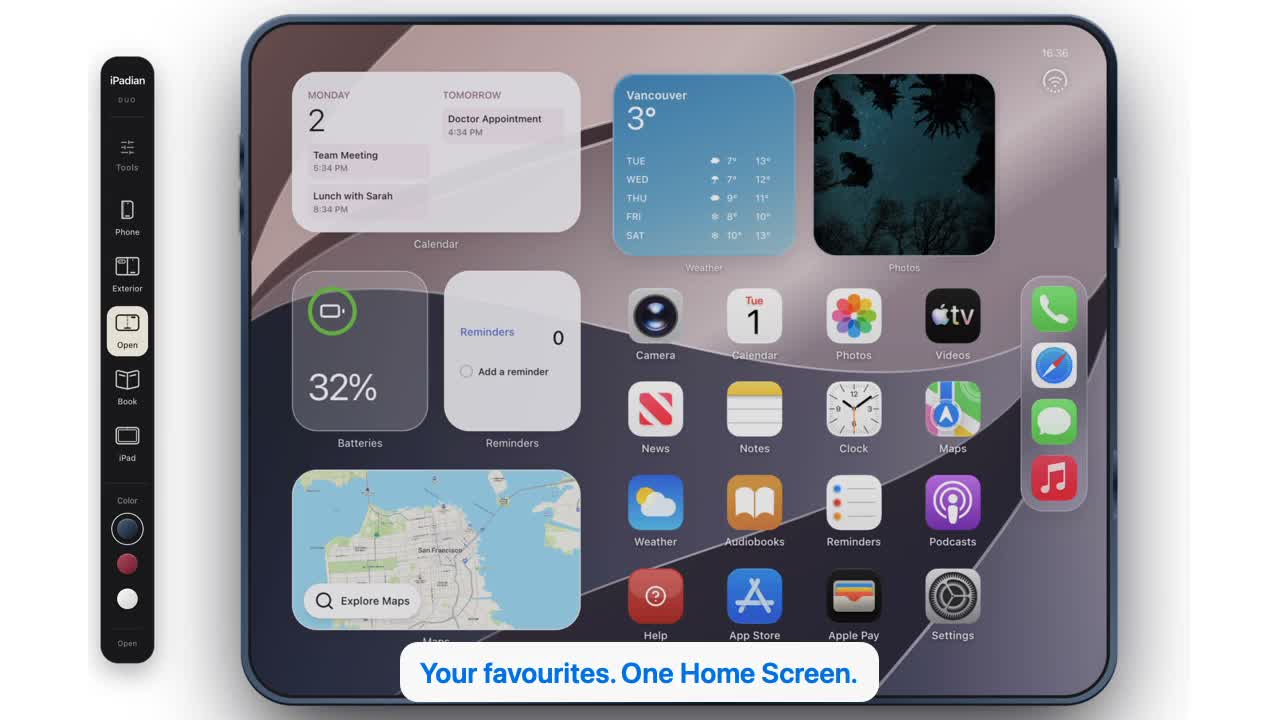 32 segundos
Descubre iPadian en acción.
Una nueva mirada a la app de escritorio: descubre la tienda, instala un juego y explora las vistas de teléfono, Duo y iPad. Narración en inglés con subtítulos en cuatro idiomas.
Ver vídeo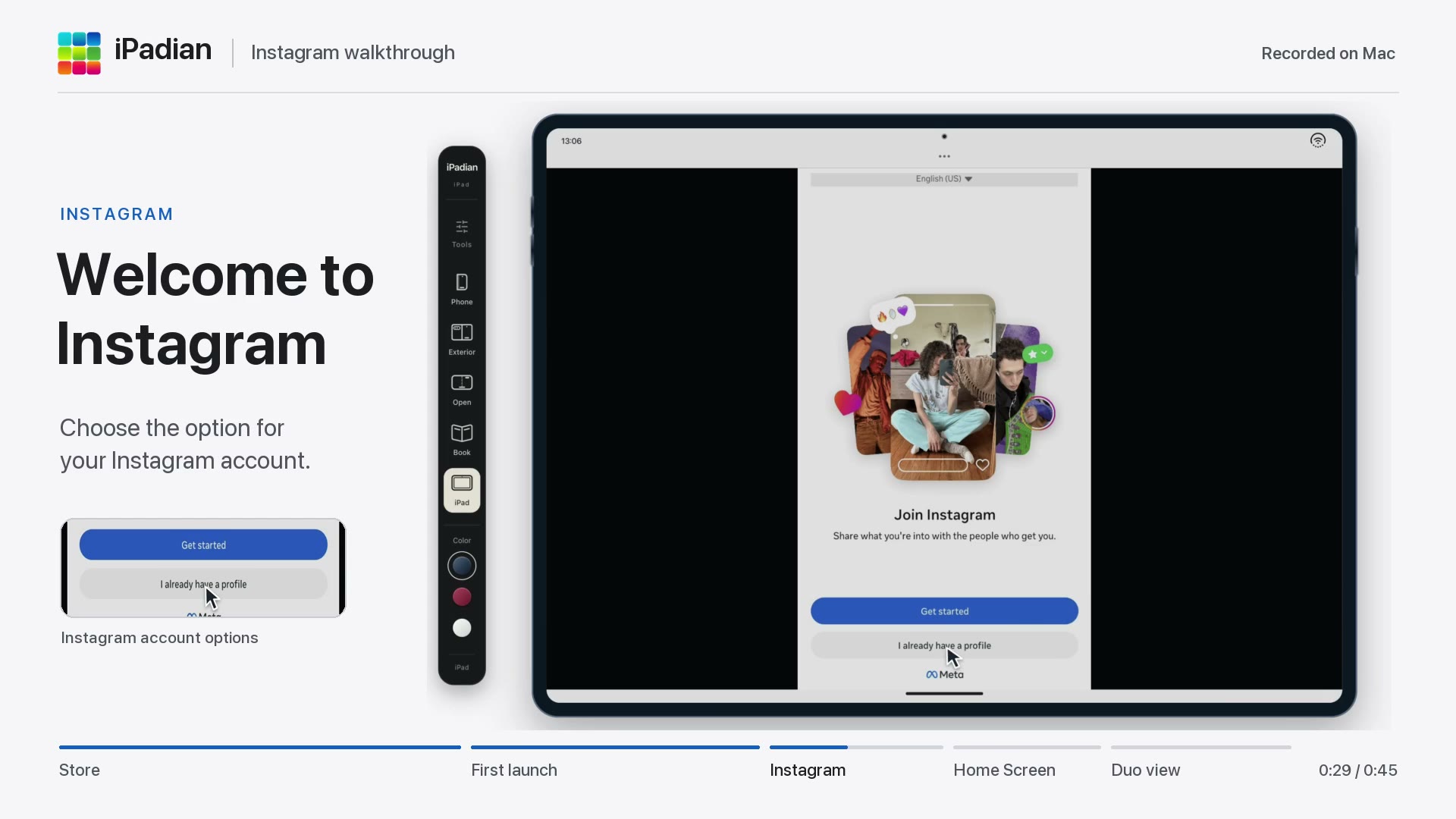 45 segundos
Abre Instagram en iPadian
Busca Instagram en la tienda de iPadian, añádelo a la pantalla de inicio y sigue el primer arranque hasta la bienvenida de Instagram. Aprende a volver a abrirlo y a cambiar a la vista Duo.
Ver vídeo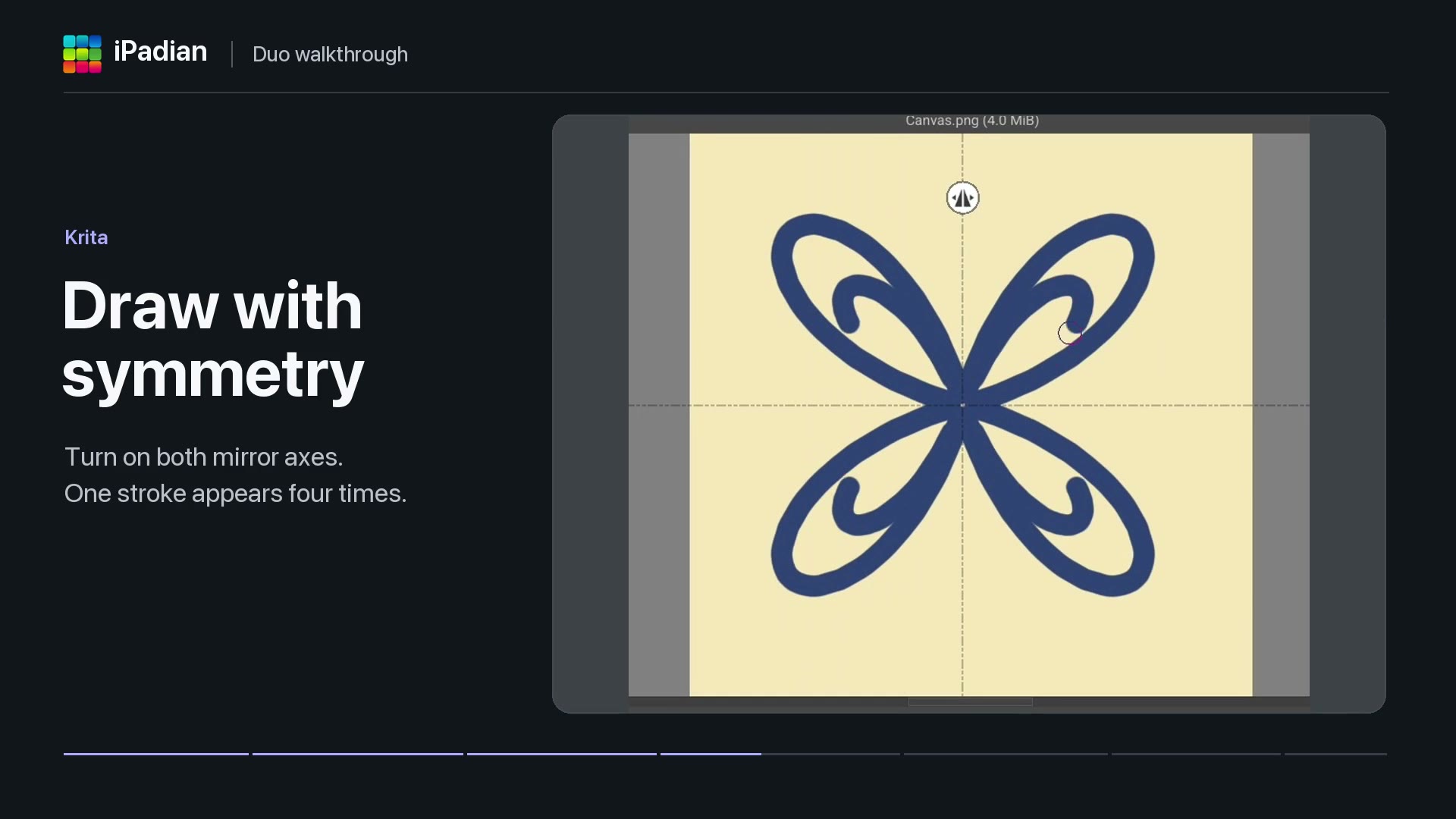 40 segundos
Apps dentro de iPadian Duo
Mira Solar Smash en acción, dibuja con simetría en Krita y descubre cómo Photoroom elimina el fondo de una foto. También verás la pantalla de inicio de sesión de Moises en Duo.
Ver vídeo