
Bắt đầu với iPadian
Mở cửa hàng iPadian, tìm Pac-Man, thêm vào Màn hình chính và chơi. Sau đó chuyển giữa chế độ xem điện thoại và iPad.
Ứng dụng khả dụng tùy theo máy tính. Một số ứng dụng yêu cầu tài khoản riêng.
Bản chép lời (tiếng Anh)
This is iPadian, an iPad-style simulator for Windows and Mac.
Let's find a game and add it to the Home Screen.
If you see the lock screen, click Tools on the left, then Unlock.
In iPad view, click the blue App Store icon in the dock.
This opens iPadian’s own catalog of compatible apps and games.
Click the search box and type Pac-Man.
Click Get beside the game.
When the button changes to Open, Pac-Man is on your Home Screen.
Click Open, then choose Play.
Use the arrow keys to move Pac-Man through the maze.
To leave the game, click Tools, then Home.
Your new Pac-Man icon is here for next time.
Click Phone for a narrow layout.
Choose iPad to return to the larger Home Screen.
Tiếp tục khám phá
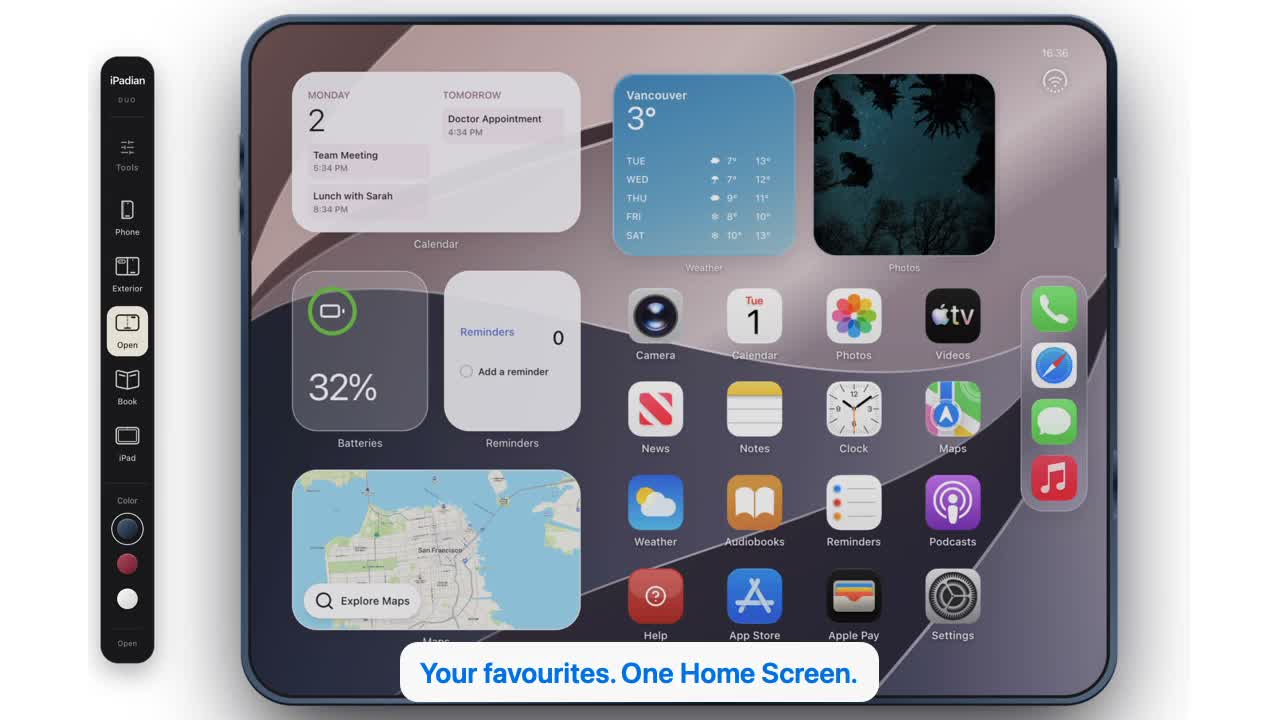 32 giây
Xem iPadian hoạt động.
Khám phá ứng dụng máy tính: xem Cửa hàng, cài trò chơi và thử giao diện điện thoại, Duo, iPad. Thuyết minh tiếng Anh với phụ đề bằng bốn ngôn ngữ.
Xem video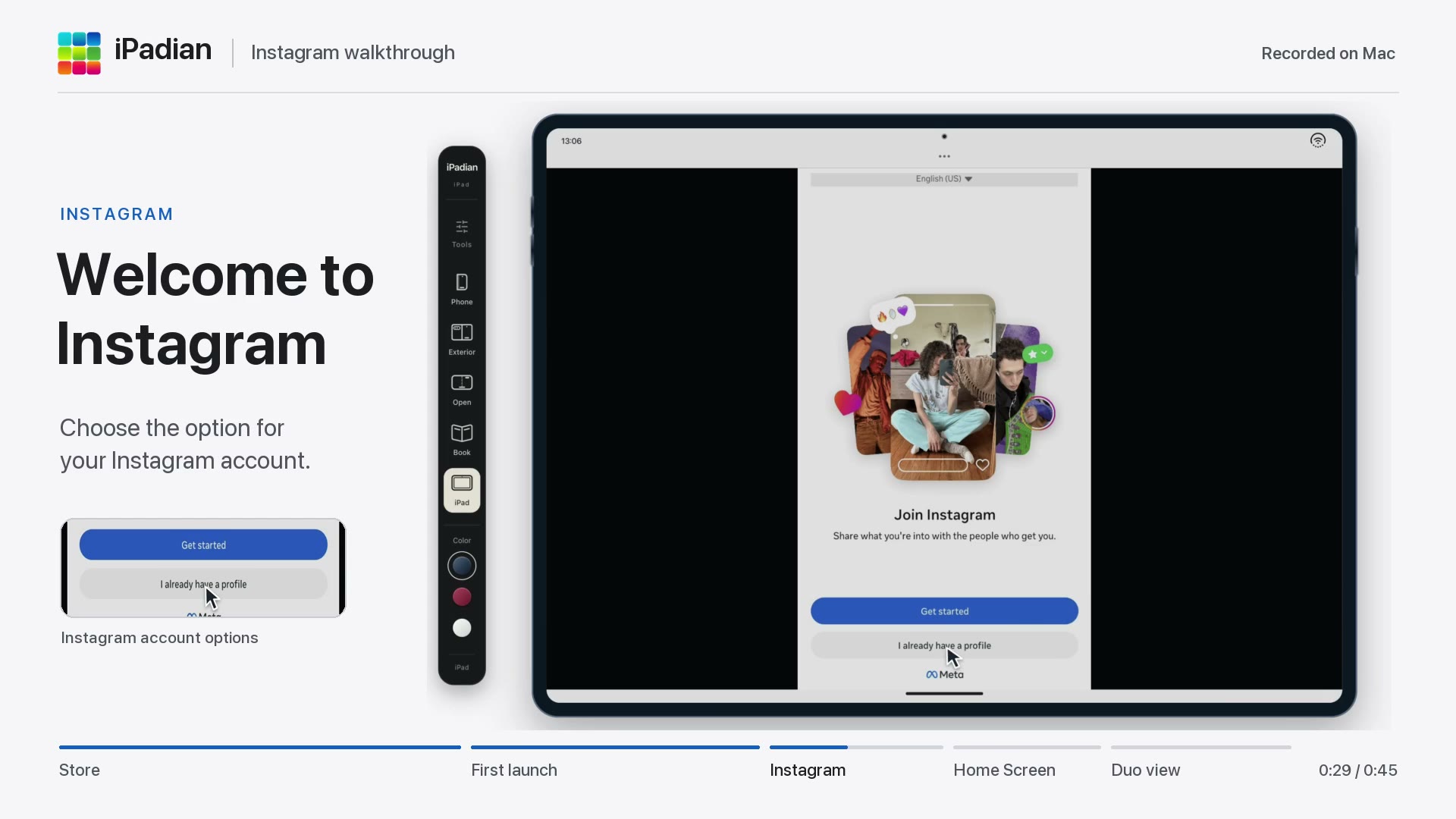 45 giây
Mở Instagram trong iPadian
Tìm Instagram trong cửa hàng iPadian, thêm vào Màn hình chính và theo dõi lần mở đầu tiên đến màn hình chào mừng. Xem cách mở lại ứng dụng và chuyển sang chế độ Duo.
Xem video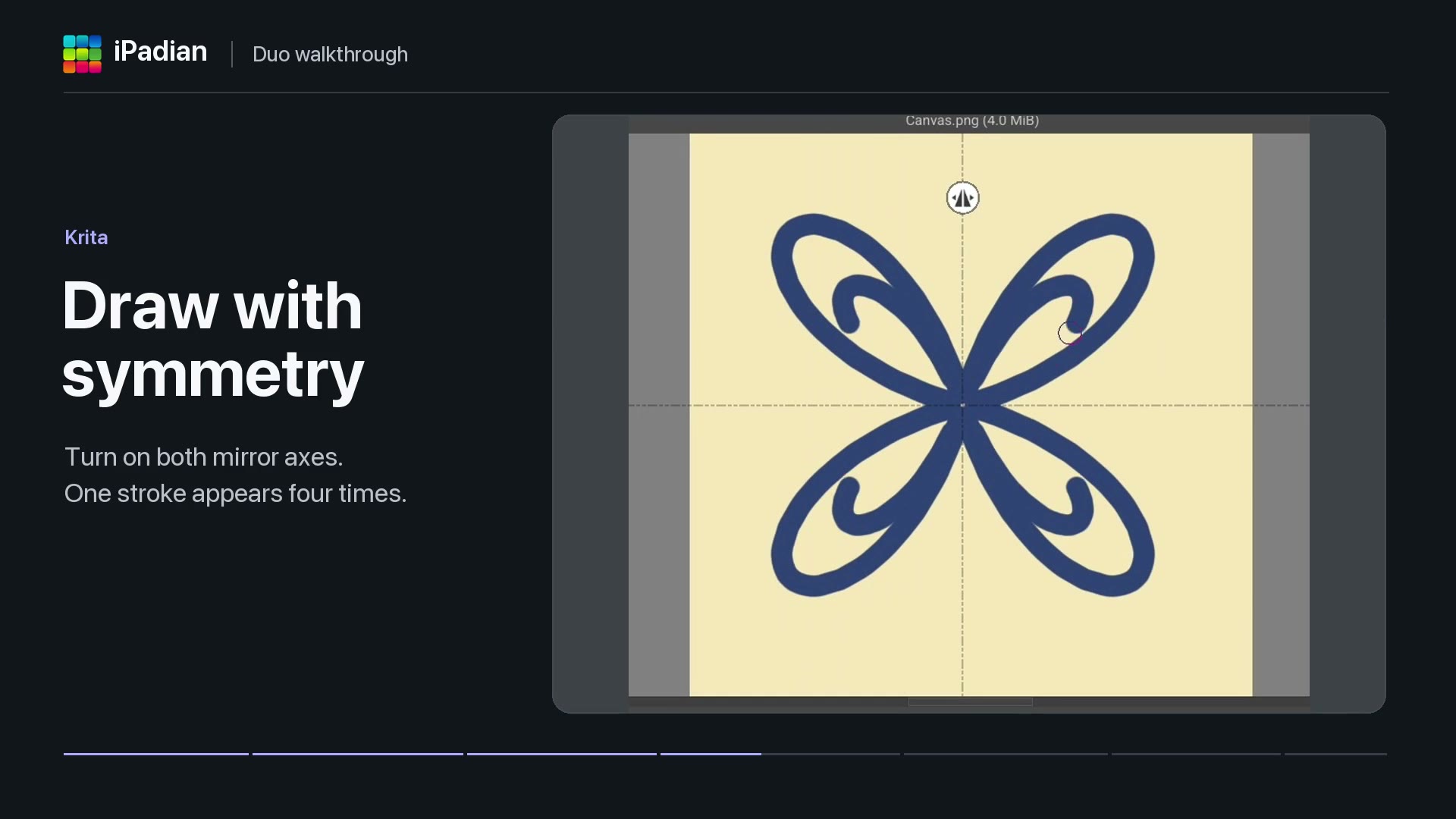 40 giây
Ứng dụng trong iPadian Duo
Xem Solar Smash, vẽ đối xứng trong Krita và xem Photoroom xóa nền ảnh. Video cũng mở Moises đến màn hình đăng nhập trong chế độ Duo.
Xem video